UX for Artificial Intelligence: Designing Better Experiences

- Published
- Updated
Artificial Intelligence is changing how people interact with digital products. Instead of choosing only between predefined options, a user can write, speak, upload documents or ask a system to create something new.
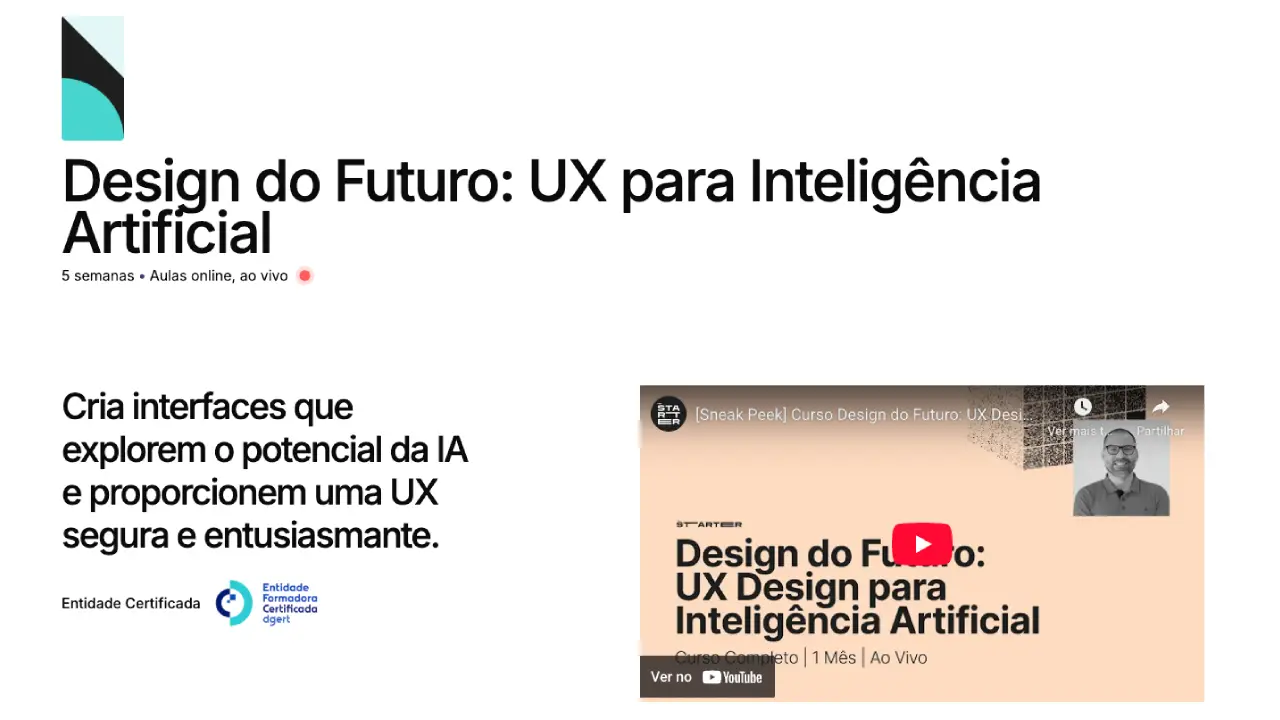
This flexibility creates a UX challenge: how do we design an experience when the answer can vary, fail or arrive with uncertainty? This was the central question in Design of the Future: UX for Artificial Intelligence, a course I taught at TheStarter.
What distinguishes the UX of an AI product?
In a traditional flow, an action tends to produce a defined result. In an AI product, the same instruction can generate different answers. The interface needs to help users understand:
- what they can ask;
- which information they should provide;
- what the system is doing;
- how far they can trust the result;
- how to correct, repeat or undo;
- when human intervention is needed.
Design is not there to hide uncertainty. It is there to make it manageable.
Six principles for designing AI experiences
1. Explain the capability through examples
An empty field saying "Ask anything" transfers all effort to the user. Show examples connected to the context: "Summarise this document", "Compare these proposals" or "Create three alternatives".
Examples teach people how to use the product without a manual.
2. Ask only for the necessary context
A good experience identifies what is missing and guides the person. Structured fields can be better than a single prompt for collecting the audience, objective, tone or constraints.
3. Show status and progress
AI responses can take time. Indicate that the request was received, what is happening and how to cancel. Avoid indefinite animation that does not clarify whether the system is still active.
4. Make the result editable
Users should be able to review, change, partially regenerate and compare versions. A generated result must not look like a final, untouchable decision.
5. Communicate limits
Warn people when an answer depends on incomplete information, may contain errors or does not replace specialist advice. The message should appear at the relevant moment, not only be hidden in the terms.
6. Preserve control
Actions with consequences, such as sending, publishing, deleting or purchasing, require confirmation. The greater the impact, the clearer the separation should be between AI suggestion and human decision.
States that need to be designed
Do not design only the perfect example. Include:
- empty input: the person does not yet know what to ask;
- loading: the response is being prepared;
- partial result: part of the task was completed;
- low confidence: data is missing or alternatives exist;
- recoverable error: the input can be corrected and retried;
- limit reached: size, format, balance or permission;
- human escalation: the task needs another person;
- history: earlier versions must be recoverable.
These states determine trust far more than an ideal demonstration.
How to test an AI product
Testing should assess both the interface and the system's behaviour. Give participants a real task and observe:
- whether they understand what they can do;
- which context they provide;
- how they interpret the result;
- whether they detect errors;
- which attempts they make to correct it;
- when they over-trust it or give up.
Include ambiguous requests, insufficient data and cases in which the AI should refuse or escalate. Record not only whether the task was completed, but whether the user made an informed decision.
An example: document summarisation
A weak experience presents an upload field and returns a block of text. A better experience:
- explains formats and privacy before upload;
- lets the user choose the type of summary;
- shows the sources or sections used;
- separates facts from inferences;
- allows the original passage to be opened;
- offers export and deletion;
- warns when the document does not contain the answer.
Value comes from the combination of model, interface, content and rules.
To take these principles into a working prototype, see the guide to vibe coding for Product Designers and Product Managers.
Skills for designers and product teams
You do not need to become a data scientist, but it is important to understand concepts such as context, probabilities, limitations, evaluation and feedback loops. Designers also need to collaborate early with engineering, security, content and domain specialists.
To explore the subject in greater depth, SuperHumano AI provides training in AI for Digital Products and UX. At SuperHumano Academy, the Digital Product learning path and interactive courses help turn an idea into a testable result.
Frequently asked questions
What is UX for AI?
It is the design of interactions between people and AI systems, including instructions, variable outputs, transparency, correction, safety and control.
Is a chatbot always the best interface?
No. Forms, suggestions, search, commands and automations can be clearer. The interface should match the task and the required degree of freedom.
How do you build trust without promising accuracy?
Show sources and limits, allow correction, use confirmation for critical actions and communicate when information is insufficient.
Context note: the course described here began on 28 February 2026 and ran for five weeks. That edition has ended; the article was updated to make its principles permanently accessible.