Vibe Coding for Product Designers and Product Managers

- Published
- Updated
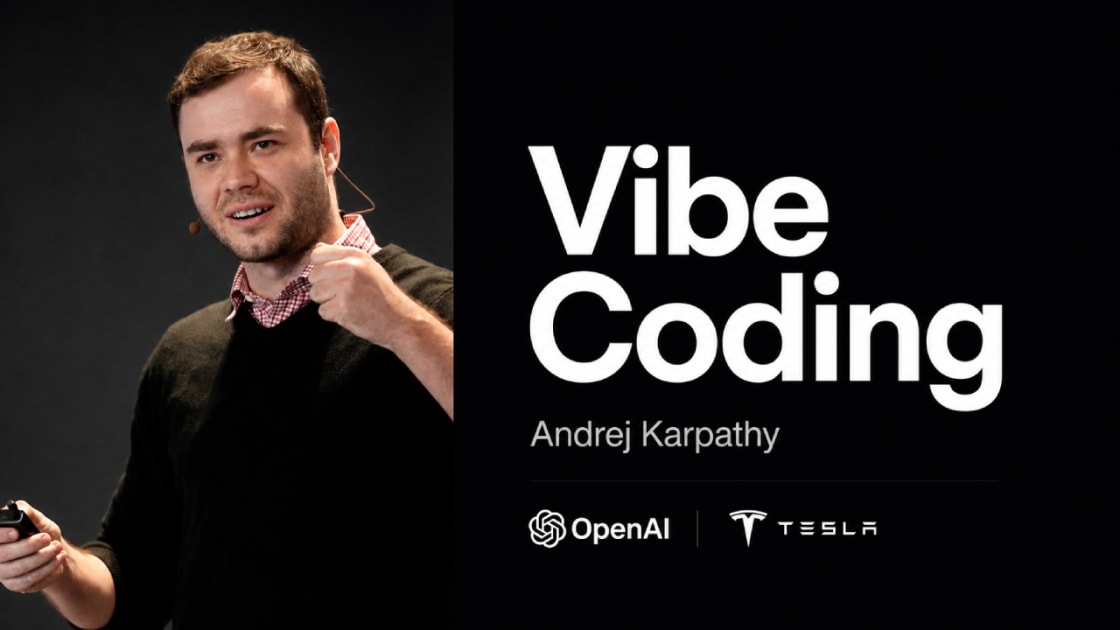
In 2025, Andrej Karpathy popularised the term vibe coding to describe a way of building software through natural language, with Artificial Intelligence generating and changing code from a person's intent.
For Product Designers and Product Managers, this shortens the distance between having an idea and testing a working product. But generating code with a prompt does not remove the need to understand the problem, direct the process and evaluate what was built.
What is vibe coding?
Vibe coding means using an AI assistant to translate instructions into code, explain errors and iterate an application. A person can make progress without writing every line manually, but remains accountable for product decisions, data and the result.
It is particularly useful for:
- functional prototypes;
- internal tools;
- interface experiments;
- flow validation;
- simple automations;
- tightly scoped MVPs.
It does not mean that any software can be put into production without technical review. Authentication, payments, privacy, security and scale require specialist attention.
Why does it matter to designers and PMs?
A traditional prototype shows an intended interaction. A working product makes it possible to observe what happens with real data, rules, states and constraints.
With AI, a designer or PM can:
- test a hypothesis before requesting greater investment;
- communicate an idea through something usable;
- explore interface alternatives;
- understand technical effort more clearly;
- give an engineering team a more informed specification.
This autonomy does not replace collaboration. It makes the conversation with engineering more concrete.
The part a prompt does not solve
The challenge appears when:
- an API returns unexpected data;
- the user refreshes and loses information;
- login does not properly protect an area;
- the design works on desktop and fails on mobile;
- the deployment uses the wrong environment variables;
- the database permits an action that should be forbidden.
At these moments, you need to decompose the problem, read error messages, check assumptions and test a fix. AI can help, but it needs context.
The minimum technical foundation to understand
Frontend and backend
The frontend is the interface used by the person. The backend handles rules, data and operations that should not be exposed in the browser.
API
An API defines how systems exchange information. You need to understand requests, responses, authentication and errors.
Database
Storing data requires modelling entities, relationships and permissions. A prototype with fictional data is different from a product holding personal information.
Git and versions
Version control makes it possible to understand what changed and return to a known state. It is essential protection when AI changes several files.
Deployment
Publishing involves configuration, domains, variables, logs and the production environment. "It works on my computer" is only one stage.
A safer process for building with AI
- Define the problem and the user.
- Reduce the MVP to the smallest flow that tests the hypothesis.
- Write acceptance criteria before generating code.
- Ask for a simple architecture and check the choices.
- Build one feature at a time.
- Test success, empty, error and loading states.
- Use fictional data until security rules are in place.
- Record changes in Git.
- Review dependencies, permissions and secrets before deployment.
- Observe users and decide what deserves to evolve.
How to make a useful request to a coding assistant
Include the technology, relevant files, current behaviour, expected behaviour and observed error. Instead of "it doesn't work", write:
In this React form, submitting creates a duplicate when the user clicks twice. Keep the existing API, disable the button during the request and show an error without clearing the fields. Explain which files you changed and what to test.
The AI now receives a verifiable problem and clear limits.
Beyond code, teams need to design trust, errors and control. These patterns are covered in UX for Artificial Intelligence.
Training and practice
That is why, in partnership with TheStarter and SuperHumano AI, we created Vibe Coding for Product Designers and PMs: four weeks to structure MVPs, iterate code with AI, integrate APIs, publish and build automations.
To continue developing these skills, see the AI for Digital Products and UX programme and SuperHumano Academy's interactive courses. The Academy's Digital Product learning path organises discovery, building and validation skills.
Frequently asked questions
Do I need to know how to code before vibe coding?
You can begin without experience, but a basic understanding of web applications, data, testing and deployment greatly improves your ability to assess and correct the result.
Is vibe coding suitable for production products?
It can contribute to real software, but the level of review must match the risk. Products involving personal data, payments or critical operations require appropriate engineering and security.
What is the most important skill for a designer or PM?
Defining the problem, reducing scope, writing clear criteria and deciding from what users do, rather than only from what the tool can generate.
Context note: the cohort described in the original article began on 5 May 2026 and has ended. The text was revised to preserve the course method and point to current resources.